


Casinobossy App for Mobile and Desktop
The Casinobossy app lets you play all of your favorite casino games on your phone, tablet, or computer, no matter what you like best. You can get to their favorite games right away with a progressive web app that works perfectly on all platforms. Your account and progress will automatically sync across devices, so you can play games at home or while you’re on the go.



Casinobossy on Desktop for MacOS or Windows
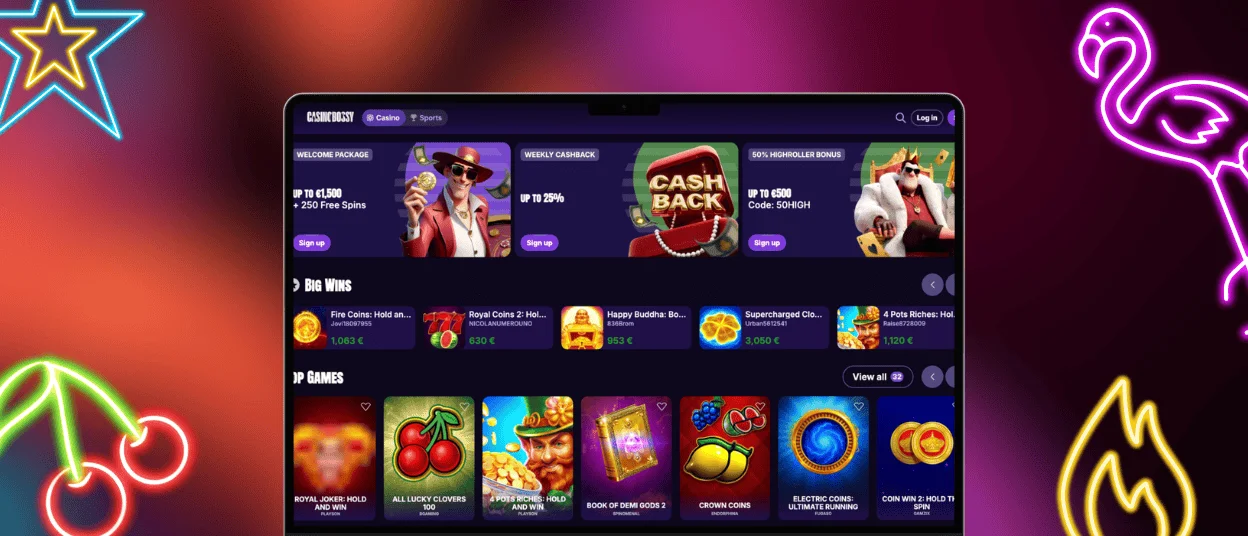
Desktop players don’t have to download any extra software to access Casinobossy. They can just use any modern web browser. The platform automatically adjusts to fit your screen size, so you can enjoy a full-featured casino experience on MacOS, Windows, or Linux. Enter your account information on the Casinobossy website, and then you can start playing right away.
The desktop version has a few advantages for players who like bigger screens. With expanded menus and game filters placed prominently across the interface, it’s easier to find your way around. The bigger screen also shows game graphics with more detail, which makes slots with complex animations and live dealer games feel even more real.
Differences Between Desktop and Mobile Gameplay
The core gaming experience is the same on all devices, but playing on a desktop computer versus a mobile device is different in some ways. Having a desktop makes it easier to look over game rules, check your balance, and talk to customer service without stopping the game.
Touch-based controls and simplified interfaces made for smaller screens are important for any mobile casino. Because assets have been optimized, games load a little faster on mobile devices. Portrait orientation is also perfect for classic online slots and card games.
| Platform | Best For | Key Advantage |
| Desktop | Extended gaming sessions, multi-table play | Larger screen, full keyboard access |
| Mobile | Quick sessions, gaming on the go | Portability, touch-optimized controls |
Mobile Application for iPhones and iPads
iOS users can use Safari to add Casinobossy casino to their home screen.
- Open the Casinobossy website in Safari, then tap the Share button at the bottom of your screen.
- Scroll through the options and select Add to Home Screen, then confirm by tapping Add.
- The casino icon will appear on your home screen just like any native application.
This progressive web app works the same way on both iPhones and iPads. It automatically changes the interface to fit the screen of your device. The iPad’s tablet-optimized layout gives users the best of both worlds: the portability of mobile gaming and more screen space for detailed graphics. Every time you open the app, it automatically updates, so you always have the newest games and features without having to do update it yourself.
Troubleshooting Common Installation Issues
If you don’t see the “Add to Home Screen” option in Safari, make sure you’re not in Private Mode, since this feature is turned off when you’re in Private Mode. Close all of your Safari tabs, open the browser again in normal mode, and go back to Casinobossy. The Share menu should now show all of the choices.
If you have trouble loading after adding the icon, you should check your internet connection and clear Safari’s cache in Settings. Go to Settings, choose Safari, and then tap Clear History and Website Data. To start a new connection, go back to your home screen and open the Casinobossy icon. If the problems don’t go away, long-press the icon and choose Remove App. Then, install the app again.
Casino Bossy App for Android
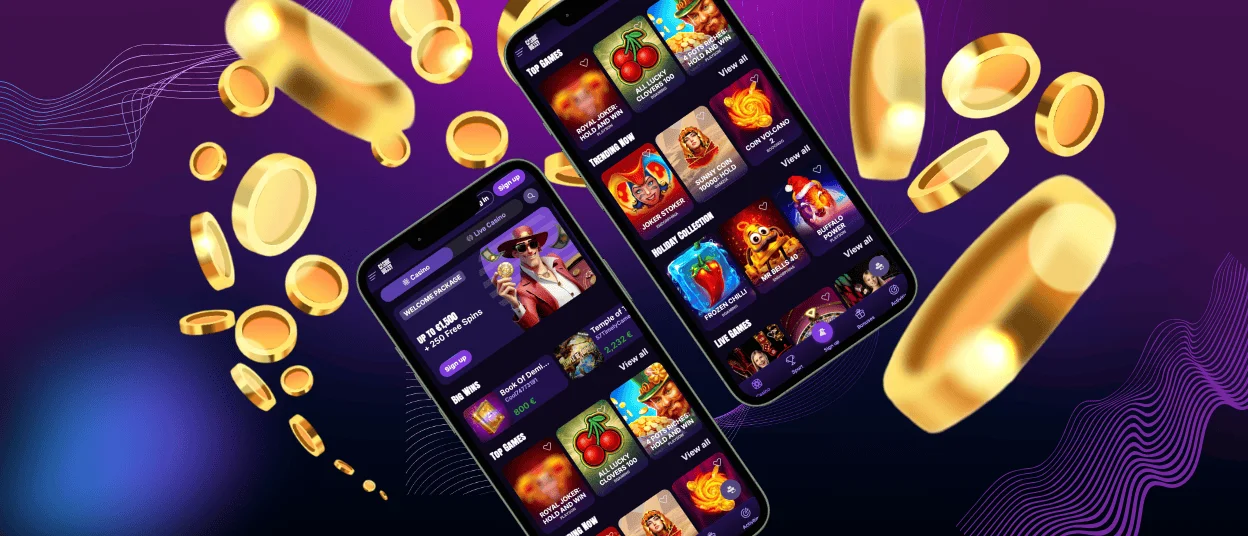
There are two easy ways for Android users to get to Casinobossy on their devices. The progressive web app works through Chrome, while device shortcuts provide instant access from your home screen. Both options give you the full casino experience without having to download anything from the Google Play Store.
Installation Process
It only takes a few seconds to make a Casinobossy shortcut on Android.
- Launch the Chrome browser and go to the casino site.
- In the upper right corner of your screen, click the three-dot menu icon. From the dropdown menu, choose Add to Home Screen.
- If you want, you can give the shortcut a custom name. Then, tap Add to confirm.
- The icon will show up on your home screen right away.
Swipe up from the bottom of your Android home screen to open the app drawer. This will let you quickly access any apps you already have. To add an app icon to your home screen, touch and hold it, then drag it to where you want it. Release your finger to place the icon.
If you turn on notifications during your first visit, the Android version will keep you up to date on game updates and promotions. You can change your notification settings in Chrome at any time, so you only get alerts that are relevant to your gaming interests.
Features of the Casino Bossy App
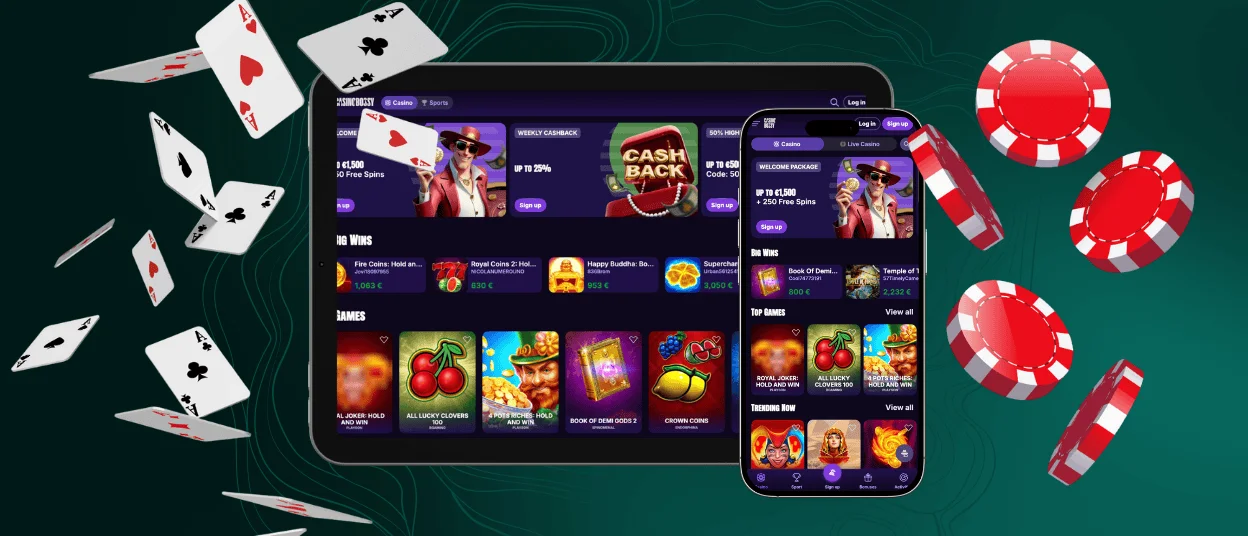
The Casinobossy app prioritizes speed and reliability on all devices. Games load in seconds because the code has been optimized to use less data while keeping the quality of the graphics. This efficiency is especially helpful for players on mobile data connections, since the app only needs a small amount of bandwidth to run smoothly.
Touch controls react right away to what you do, whether you’re playing slots, betting at virtual tables, or talking to real dealers. You can change the interface automatically between portrait and landscape modes. You can manage your account right inside the app. Deposit money, complete the verification process, and get in touch with a support team through live chat without leaving the game you’re playing.
For players who like having options, the mobile app is more convenient than playing on a computer. You can easily pause a game, switch devices, and pick up right where you left off without losing any progress. The app’s simple design gets rid of everything that isn’t necessary, leaving only games and important account features.
Performance and Compatibility Across Devices
The Casinobossy app works the same on every device. To get the best performance, iOS users need an iPhone 8 or newer with iOS 13 or higher. Android phones and tablets that have at least 2GB of RAM and run Android 8.0 or later will also work. Desktop users should use the most recent versions of Chrome, Firefox, Safari, or Edge.
The app changes the quality of the graphics automatically based on your device and how fast your internet connection is. This smart optimization makes sure that even mid-range devices can play smoothly, and top-of-the-line phones and tablets get better visual effects.
FAQ
Is it possible to use the Casinobossy app without downloading anything from an app store?
You can set up Casinobossy’s progressive web app from your browser. Just follow the instructions for your device to add the website to your home screen. You’ll be able to access it right away without having to download it from the app store.
Does the app sync my progress between different devices?
Your account information, game history, and wallet balance automatically sync across all devices where you log in. Start a gaming session on your phone and continue seamlessly on your desktop computer without any manual transfers.
Will the app work on older devices?
Devices from the last five years generally provide excellent performance. Older models may take longer to load or have lower graphics quality, but most smartphones and computers from the last few years still have the core gameplay features.


